








Phones
Essential Customization Tips For Galaxy S25 Ultra

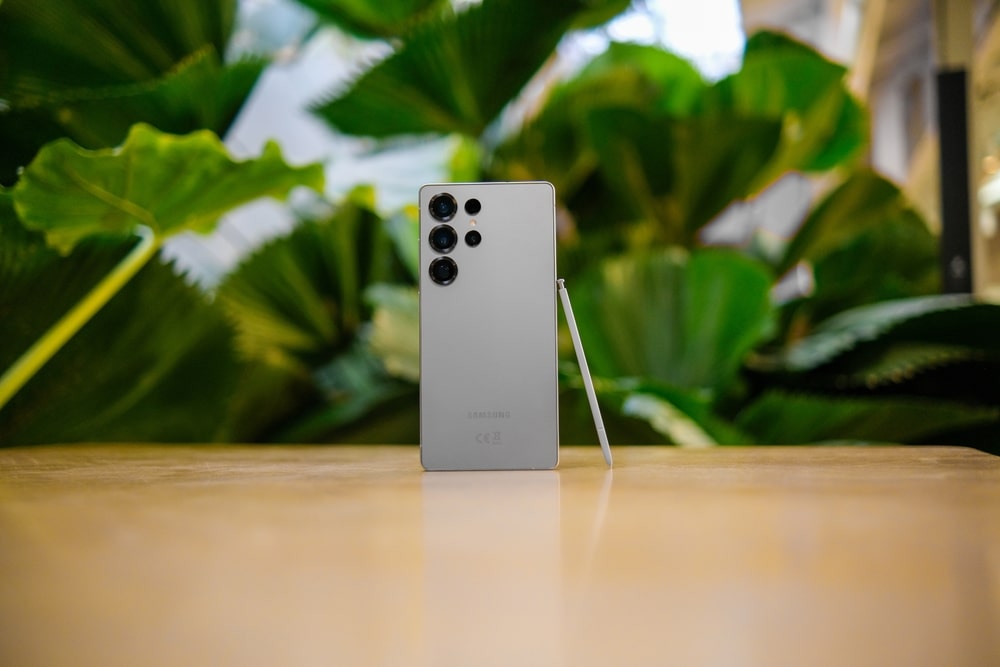
The Samsung Galaxy S25 Ultra is not just another smartphone; it’s a canvas for your creativity and individuality. This cutting-edge device is designed with a plethora of features that empower you to mold it to match your unique style and everyday needs. From the moment you power on this state-of-the-art phone, you can begin to create an experience that genuinely resonates with you, all while ensuring that it enhances your productivity and ease of use. A recent video from WhatGear delves into how you can make the most out of your Galaxy S25 Ultra, demonstrating personalization methods that don’t require downloading additional apps. Let’s explore them together.
Personalizing Your Wallpaper
One of the simplest yet most impactful ways to express your personal style on the Galaxy S25 Ultra is through wallpapers. This smartphone provides a variety of options to choose from in the Wallpaper and Style settings. Whether you opt for Samsung’s sleek preloaded images or decide to upload your own unique photos, there’s something here for everyone. Take it a step further with these fun features:
- Dynamic Lock Screen Wallpapers: Imagine opening your phone to a fresh look every two weeks, thanks to these rotating wallpapers that breathe new life into your device.
- Contextual Weather Wallpapers: Checking the weather has never been more interactive—your wallpaper changes in real-time based on the conditions outside, so you can seamlessly blend the digital with the real world.
- AI-Generated Wallpapers: Tap into the future with wallpapers crafted just for you through AI, reflecting your preferences and style like never before.
Want to keep that personal touch? You can create custom image packs that cycle through on your lock screen, ensuring that your device always feels like an extension of you.
Customizing the Lock Screen
When you reach for your phone, the lock screen is your first glimpse into the world of your device. With the Galaxy S25 Ultra, you have an endless array of options to make this crucial real estate both functional and beautiful. You can play around with the clock’s design—adjusting the font, color, and transparency to align with your style. Need quick access to your calendar, voice recorder, or translator? With widgets, it’s easy to put your most-needed tools right at your fingertips. Imagine being able to record a voice note straight from your lock screen, effortlessly transforming your thoughts into text and even getting translations—all while your phone is locked!
Always-On Display (AOD) Features
The Always-On Display (AOD) is an exciting feature that ensures you’re never out of touch with essential information, even when your device is asleep. You have control over what’s displayed, from notifications to the time and your battery status. Plus, with smart options like tap-to-show, you can conserve battery as you glance at key details when you need them. Want a minimalist vibe? You can adjust the AOD’s appearance by experimenting with wallpaper visibility, opting for a sleek background that lets crucial information standout.
Home Screen Customization
Your home screen is where the magic happens—it’s where you spend most of your time with your phone. That’s why the Galaxy S25 Ultra offers so many customization options to bring your vision to life. Here are some ideas to get you started:
- Widgets: Change the shape, transparency, and stacking of your widgets to cultivate a clean, organized layout that works for you.
- App Icons: Adjust the size and layout of your app icons, making navigation easier and tailored to your unique usage patterns.
- Folders: Group your apps into beautifully color-coded folders to cut through the clutter and make finding what you need a breeze.
- Google Search Bar: Personalize its colors, transparency, and even add specialized features such as song search—it’s all about creating a space that feels just right for you.
With these options at your disposal, your home screen can be both a functional hub and a direct reflection of who you are.
Optimizing the Quick Settings Panel
Your Quick Settings Panel is like your smartphone’s control center, and customizing this space can make your life significantly easier. The Galaxy S25 Ultra allows you to move things around to suit your personal preferences. By prioritizing the controls you use most, like Dolby Atmos for crisp audio experiences, and removing those you rarely touch, you ensure that everything you need is just a quick swipe away. It’s about making your phone connect with how you live.
Managing Notifications and Privacy
In our fast-paced lives, notifications are a double-edged sword—they keep us informed but can often feel overwhelming. The Galaxy S25 Ultra steps in to help you maintain a balance. You can display card-style notifications on the lock screen for a tidy yet informative appearance. Plus, for those moments when privacy is paramount, you have the option to conceal sensitive information from appearing in notifications, so you can stay informed without compromising your confidentiality.
Customizing the Edge Panel
The Edge Panel is a fantastic way to streamline your workflow and keep you productive. You can choose its side, adjust its color for a seamless look, and even tweak its transparency to match your wallpaper’s aesthetics. With everything from your favorite apps to quick shortcuts, this feature enhances your multitasking capabilities, making it easier than ever to access the tools you rely on most while keeping your workspace neat and organized.
Additional Personalization Tips
For those looking to dive deeper into customization, here are a few more tips to enhance your Galaxy S25 Ultra experience:
- Landscape Mode: If multitasking or binge-watching is your thing, enable landscape mode on your home screen for a more immersive experience.
- Background Blur: Give your home screen wallpaper a subtle tweak by blurring the background for a sleek, focused appearance.
- Transparent Folders: Opt for minimalism by using transparent folders to keep your app icons compact and your screen uncluttered.
Unlocking the Full Potential of Your Galaxy S25 Ultra
With its extensive features aimed at personalization, the Samsung Galaxy S25 Ultra isn’t just a smartphone; it’s a reflection of you. By experimenting with options like AI-generated wallpapers, lock screen widgets, and custom app grid layouts, you can transform your device into something that feels uniquely suited to your lifestyle. Armed with these tools and insights, you have everything you need to unlock the full potential of your Galaxy S25 Ultra and create a smartphone experience that isn’t just functional but also a true representation of who you are.









