







Hardware
Apple’s M3 Ultra Poses a Major Threat to NVIDIA: Transforming Local AI Performance for Everyone

What if you could run powerful artificial intelligence models right from your personal computer? The future might not depend on massive server farms or expensive cloud subscriptions. Thanks to innovations like the Apple M3 Ultra Mac Studio and cutting-edge Nvidia RTX GPUs, that future is within reach.
Navigating which setup strikes the ideal balance of performance, power efficiency, and cost can be complex. The hardware you select can significantly impact your workflow—either enhancing its efficiency or introducing frustrating delays. A solid understanding of what each platform offers is crucial for leveling up your local AI development.
In a recent video, Alex Ziskind provides an in-depth comparison of how these two hardware giants measure up for local AI tasks, such as prompt processing and token generation. The Mac Studio stands out with its sleek design and energy efficiency, while Nvidia GPUs flaunt impressive raw power. Each comes with unique strengths, and knowing these can empower you to make an informed choice tailored to your specific needs.
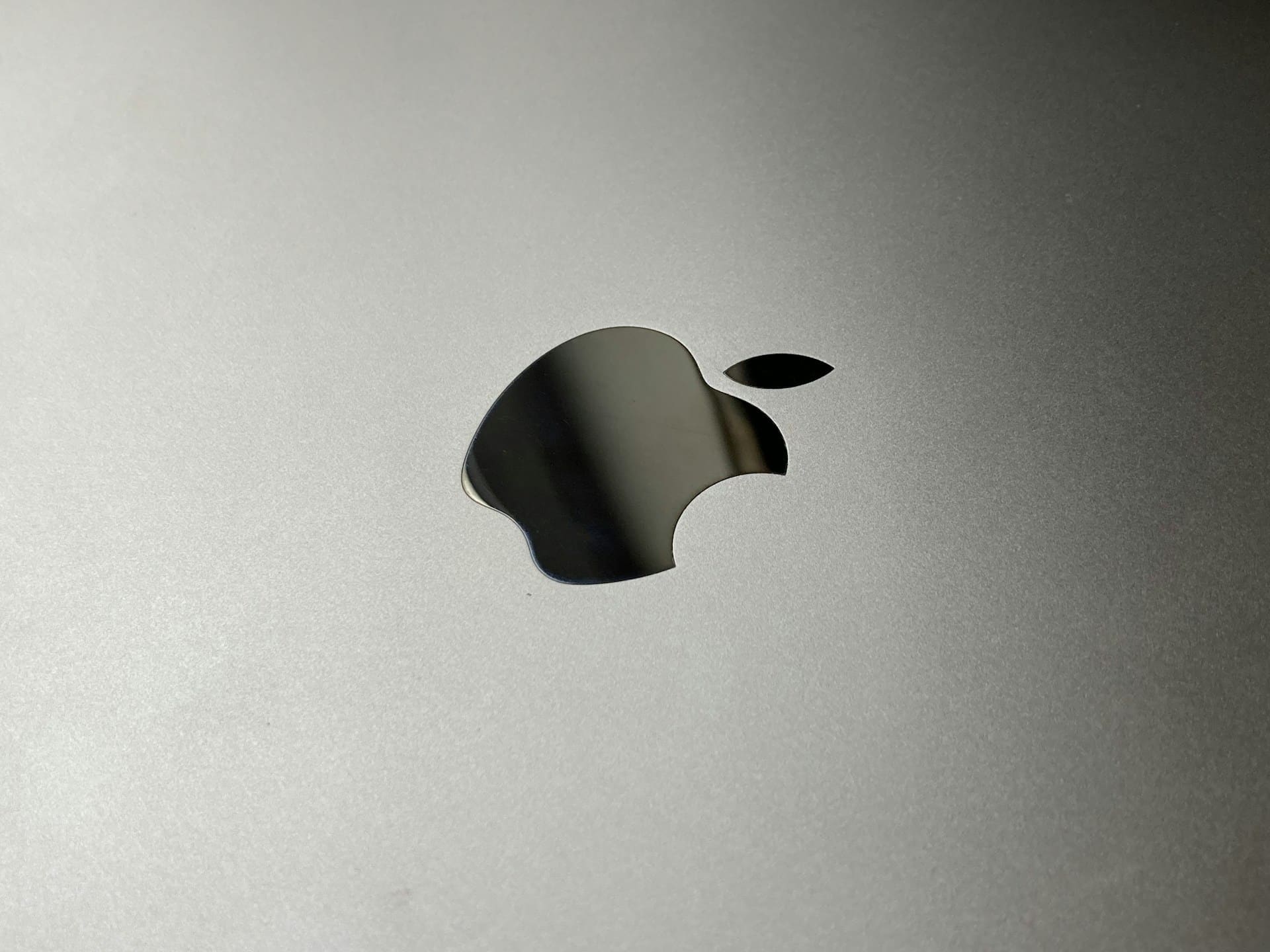
The Apple M3 Ultra Mac Studio is a logical option, available in two configurations—96 GB and 512 GB—tailored for various developer requirements. Both prioritize efficiency and portability, making them appealing for developers who operate in diverse environments.
– 96 GB Model: Ideal for standard local AI tasks, including chat interactions, code completions, and smaller models, this version boasts a memory bandwidth of 819 GB/s. It can effortlessly handle models with up to 14 billion parameters, representing a budget-friendly solution suitable for most development operations.
– 512 GB Model: Designed for those who work with larger models, this configuration offers additional memory for more demanding projects. Some developers, however, may not feel the added expense is warranted, as smaller, optimized models can achieve similar outcomes without as much computational power.
The Mac Studio’s compact size and low energy consumption further enhance its appeal. Developers seeking a portable option will find this design particularly advantageous compared to bulkier alternatives.
Now, let’s discuss Nvidia RTX GPUs, which shine when tackling demanding tasks. Models such as the RTX 5080 and Pro 6000 are celebrated for their exceptional parallel processing capabilities, making them an excellent choice for large-scale AI applications.
– High Memory Bandwidth: Nvidia GPUs achieve speeds up to 1.8 TB/s, making them ideal for scenarios where multiple requests must be handled at once. If you are managing heavy workloads, these GPUs can manage tasks effortlessly.
– Optimized for Larger Models: When you need to push beyond 32 billion parameters, Nvidia’s powerful GPUs provide the necessary capability for complex natural language processing and extensive data analysis.
Yet, there’s a trade-off. Nvidia GPUs tend to consume more power and necessitate larger setups, compromising portability. Additionally, certain smaller models may perform better on Apple Silicon, particularly in tasks like prompt processing and token management. Recognizing these nuances emphasizes the importance of matching your hardware to your project’s specific requirements.
Understanding how performance varies with your hardware choices is crucial for optimizing your workflow.
– Apple M3 Ultra: The 96 GB model excels in managing smaller models around 14 billion parameters. It enables quick processing and token generation, essential for developers seeking responsiveness. You can run multiple smaller models at once, offering a versatile environment for local AI development.
– Nvidia RTX GPUs: While these GPUs excel in large processing tasks, their effectiveness may differ based on the libraries in use. For instance, Apple Silicon could show performance disparities with various libraries, affecting overall project results.
By understanding these performance intricacies, you’ll be better equipped to select hardware that aligns well with your development objectives, leading to optimal project outcomes.
When evaluating costs, it’s essential to compare the Apple M3 Ultra with Nvidia RTX GPUs concerning price, portability, and available development tools.
– Apple M3 Ultra Mac Studio: The 96 GB model provides a compelling mix of performance and cost-efficiency, especially if you consider a refurbished option. Its compact and energy-efficient design caters to those seeking versatility. Tools such as LM Studio and Llama CPP enhance usability, helping developers fine-tune parallelism and memory allocation for ideal performance.
– Nvidia RTX GPUs: Though exceptional for large-scale tasks, these models come with a steep price and require larger physical setups, which can hinder portability. Their established ecosystem of AI development tools simplifies optimization, making them valuable assets for your workflow.
Choosing the right hardware ultimately depends on your specific needs and goals:
– The Apple M3 Ultra Mac Studio, especially the 96 GB model, presents an economical yet portable choice for developers focusing on smaller models. It’s well-equipped for tasks like chat interactions and code completions, delivering the speed and reliability essential for local AI projects.
– Conversely, Nvidia RTX GPUs are designed for complex tasks that demand significant computing power. While capable of handling intricate models, they come with higher costs and increased power demands.
By accurately weighing the pros and cons of these platforms, you can choose the hardware that best supports your development ambitions. Whether you prioritize portability, affordability, or sheer processing strength, making an informed decision is critical for improving your local AI development workflow.