Gaming
Turn Your Apple TV 4K into a Retro Nintendo Gaming Hub

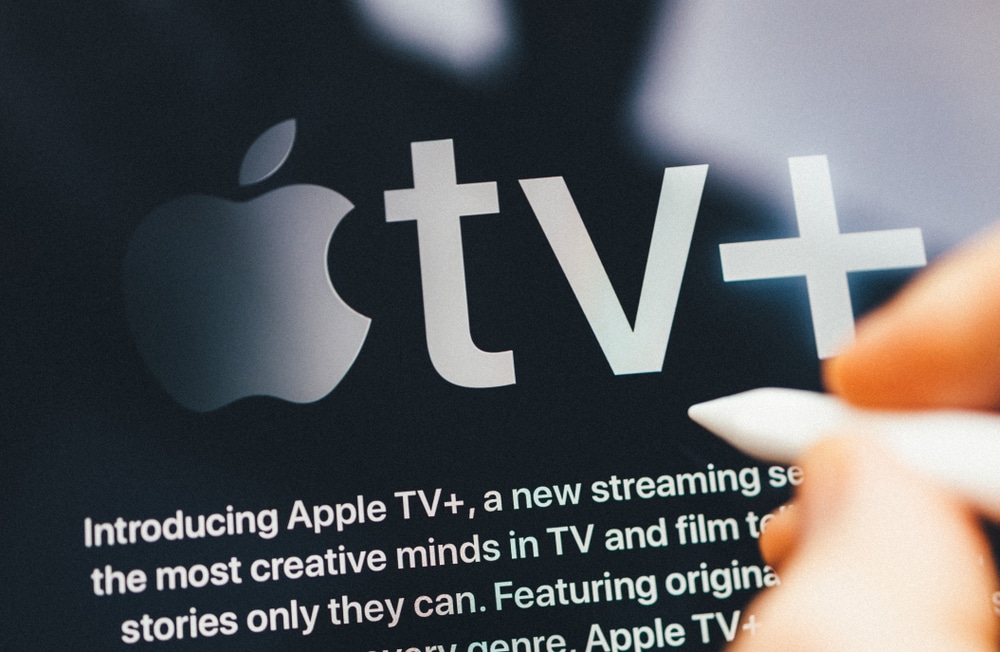
The Apple TV 4K isn’t just another streaming device—it’s an incredible hub for entertainment that’s capable of bringing your gaming fantasies to life. Sure, you can binge-watch your favorite shows and movies, but it also opens a world of gaming possibilities, merging the love of retro gaming with modern releases from PC gaming. This means whether you’re reliving your childhood with classic titles or diving into the newest blockbusters, the Apple TV 4K is more than equipped for the challenge. The robust hardware and state-of-the-art gaming support allow you to play games that span generations—all without needing to jailbreak your device or jump through a bunch of complicated hoops. You can easily dive into a wide array of gaming experiences straight from your living room.
At the heart of this device’s gaming prowess is the A15 Bionic processor. Think of it as the powerhouse of the Apple TV 4K, with a 5-core CPU that works harder than many other processors out there. Clocked at a remarkable 2.9 GHz and supported by 4GB of RAM, you can expect a smooth, responsive gaming experience—whether you’re embracing the nostalgia of retro games or jumping into more demanding modern titles. Imagine tearing through levels of your favorite Mario game or experiencing breathtaking graphics in a contemporary adventure, all thanks to its powerful hardware. Plus, the Apple TV is built for the future with support for Wi-Fi 6 and Bluetooth 5, which means you’ll enjoy fast, stable connections—key to a great gaming experience. While it doesn’t have an Ethernet port or the ability to connect external drives, the Apple TV 4K’s current capabilities shine brightly in both performance and graphics.
For those who have a soft spot for classic video games, RetroArch is a must-have application for the Apple TV 4K. This free app, available in the App Store, acts as a brilliant emulation platform supporting countless consoles—from the nostalgic Game Boy Advance to the thrilling PSP. Setting it up might sound technical, but it’s practically a walk in the park:
1. Download the RetroArch app from the Apple App Store.
2. Add your ROMs (those cherished game files you might have from past devices).
3. Organize your collection for easy access and navigation.
With RetroArch installed, you have the instant delight of revisiting the games you loved, all while tapping into the impressive hardware of the Apple TV 4K. While most games run smoothly, it’s worth noting that sometimes the emulation might throw a few minor graphical hiccups your way. But that sense of joy you’ll find when playing your old favorites? That authenticity is well worth it, creating a retro gaming experience that has you feeling like a kid again.
To elevate your gaming, it helps knowing that the Apple TV 4K plays nicely with an assortment of modern gaming controllers from big names like Xbox, PlayStation, and Nintendo Switch. Pairing these controllers is a cinch, so you can enjoy the familiar feel of your beloved game pads—perfect whether you’re crushing foes in a new title or breezing through a classic adventure. Not only do these controllers up your gaming game, but they can also be used to navigate the Apple TV interface, making it easy for you to switch between gaming and unwinding with a movie. Whether you’re deep into gaming or just starting, everything feels right at your fingertips.
And if you’re looking to merge the best of PC gaming with your living room setup, the Steam Link app is your ticket to streaming games directly from your PC library. Just ensure your PC (or Steam Deck) and Apple TV 4K are connected to the same Wi-Fi, and you’re halfway there. Grab your favorite controller like an Xbox pad, and you’re set for smooth, immersive gameplay with minimal lag—thanks to the A15 Bionic processor. You’ll marvel at how engaging your PC titles can be when experienced on a big screen, all while soaking in the crisp visuals and fluid performance.
When it comes to performance, whether you’re nostalgic for classic titles or immersed in the latest graphics-heavy offerings, the Apple TV 4K doesn’t disappoint. It effortlessly maintains stable frame rates and responsive gameplay, and its support for 4K resolution means everything looks stunning on a compatible TV. Combine this with the easy-to-use interface and the flexibility of using various controllers, and you’ve got yourself a first-rate gaming experience that caters to both casual gamers and die-hard enthusiasts alike.
Setting up your Apple TV for gaming is as easy as pie. First, get RetroArch from the Apple App Store, toss your ROMs into the mix, and tweak the settings as you like. For Steam Link, download the app, connect it with your PC or Steam Deck, and sync your chosen controller. Just a few simple steps, and you’re ready to dive into an enormous library of games that spans the full spectrum—from your cherished classics to the hottest new releases—all from the comfort of your couch.
By taking full advantage of the Apple TV 4K’s A15 Bionic processor, the functionality of RetroArch and Steam Link, and the seamless pairing of modern controllers, you’ll see the Apple TV transform into a versatile gaming powerhouse. Whether your heart yearns for the nostalgic blocks of 8-bit games or you’re all about advanced gaming experiences, this device offers a level of flexibility that connects gamers through the generations. So why not unlock this gaming potential? Settle in and enjoy your favorite titles larger than life on the big screen—because, in this digital age, your living room just became the ultimate gaming destination.