








Phones
Simple Tips To Make Stunning Professional Videos On Your iPhone

Creating high-quality videos with your iPhone is incredibly rewarding and more accessible than ever. But if you’re not careful, a single misstep can derail all your efforts. Whether you’re crafting content for social media or diving into professional projects, steering clear of common blunders is essential for producing engaging, polished videos. Let’s dive into one significant mistake and how to elevate your iPhone videos to be both captivating and professional.
The Most Common Mistake: Neglecting Stabilization
One of the most frequent pitfalls among iPhone videographers is skipping proper stabilization. Shaky footage isn’t just annoying—it compromises the quality of your video and makes it seem less polished. While it’s true that modern iPhones come equipped with impressive image stabilization features, they often can’t replace the steadiness offered by additional tools.
To ensure your videos look as though they were shot by a pro, consider investing in items like a tripod or a gimbal. These tools provide the solid foundation needed to eliminate jittery motions, making your videos visually appealing. By putting stabilization first, you lay the groundwork for creating content that truly captures your audience’s attention.
Key Tips to Enhance iPhone Video Quality
Achieving that professional-quality look involves more than just stabilizing your shots. Here are key areas to focus on that can significantly boost your video quality:
- Lighting: Good lighting makes a world of difference in how vibrant and clear your footage appears. Natural light is often the best, so if you’re indoors, think about using softbox lights or ring lights to soften shadows and create a flattering effect.
- Resolution and Frame Rate: It’s essential to shoot at the highest resolution and frame rate your iPhone can muster. Most of the time, 4K at 30 frames per second strikes a perfect balance between quality and manageable file sizes.
- Audio Quality: Don’t underestimate audio quality—it’s just as crucial as visual clarity. An external microphone can capture crisp sound, especially when filming in noisy environments or uncertain acoustics.
- Focus and Exposure: To keep your shots consistent, tap on your subject to lock the focus and manually adjust the exposure. This step can prevent the camera from hunting for focus during the shoot, maintaining a smooth viewing experience.
By implementing these techniques, you can markedly improve your iPhone videos, turning them into engaging and professional-quality pieces.
Advanced Techniques for Professional Results
To further enhance your iPhone videography, consider incorporating advanced techniques that filmmakers use. These tips can add a touch of sophistication to your videos, helping you stand out:
- Composition: Use the rule of thirds to frame your subjects effectively. Turn on the grid feature in your iPhone’s camera settings to help guide your framing, making your shots more balanced and visually appealing.
- Camera Movement: Slow, deliberate movements can give your videos a cinematic flair. Quick pans or tilts can feel jarring, so stick to smooth movements unless you have a specific effect in mind.
- Editing: This is where your video can really shine. Use editing software like iMovie, Final Cut Pro, or Adobe Premiere to refine your footage. Play with color grading, add transitions, and make your video pop.
Using these advanced techniques not only elevates the quality of your videos but also resonates with viewers, conveying a sense of professionalism.
Common Mistakes to Avoid
Beyond neglecting stabilization, several other mistakes can detract from your video quality. Avoiding these will help you maintain a high production standard:
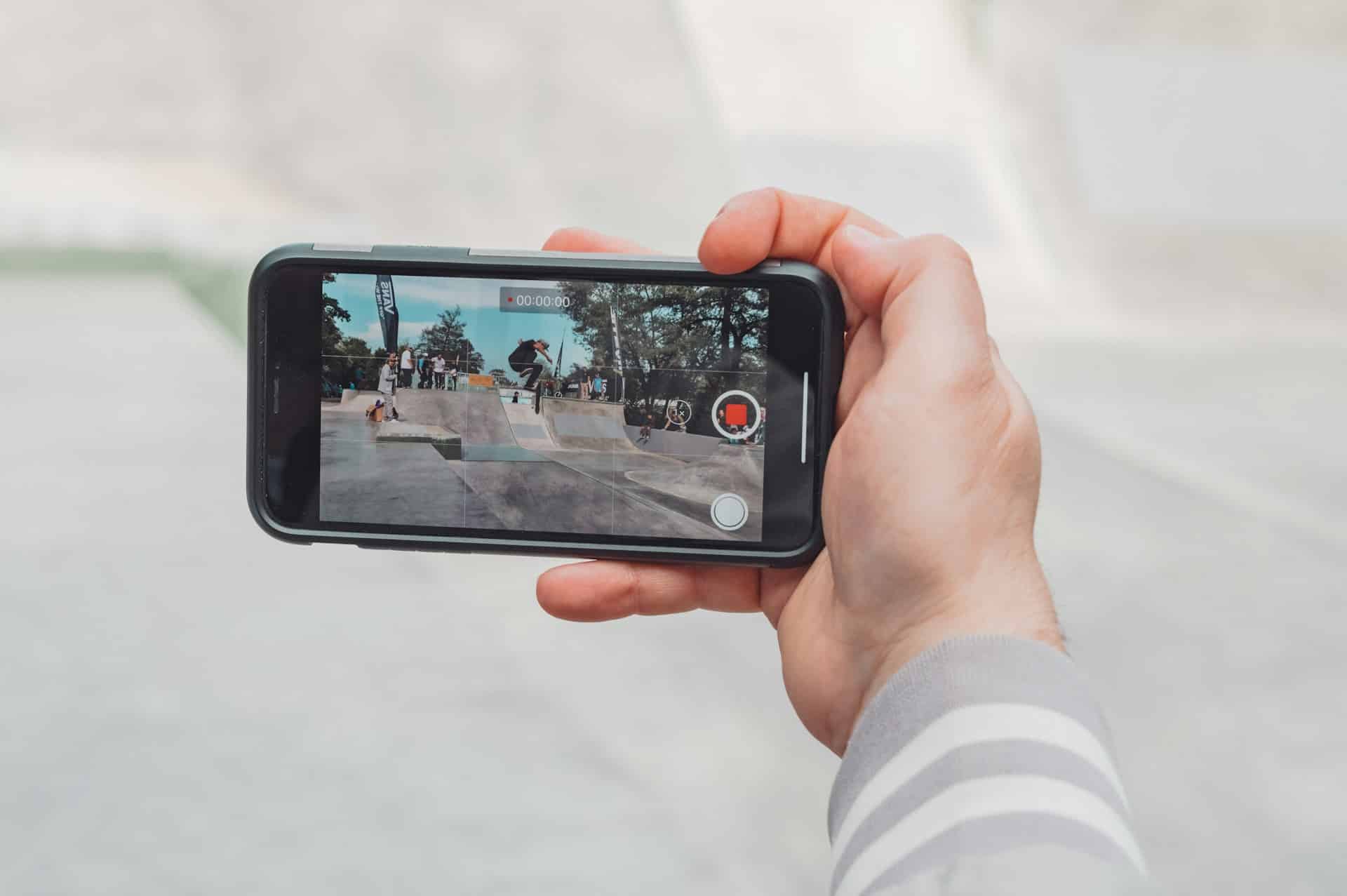
- Vertical Filming: Unless your content specifically calls for it, always film in landscape mode. This setup lends your videos a more professional look and is versatile enough for most platforms.
- Distracting Backgrounds: A busy or cluttered background can divert attention from your main subject. Opt for simpler, cleaner settings to keep the focus where it belongs.
- Battery and Storage Issues: There’s nothing worse than running out of battery or storage mid-shoot. Before you start filming, make sure your iPhone is charged and has enough space. This small step can save you from a frustrating situation.
Avoiding these pitfalls will help you maintain the integrity of your video, delivering polished, high-quality content every time.
Best Practices for Consistent Quality
Consistency can be the backbone of high-quality videos. By adopting these best practices, you can streamline your workflow and ensure each project meets a professional standard:
- Plan Your Shots: Sketch out your video’s structure and create a shot list beforehand. This not only keeps you organized but also ensures a smoother filming experience.
- Experiment with Settings: Take the time to familiarize yourself with your iPhone’s camera features. Experimenting with different settings allows you to find the optimal configuration for your specific project, be it a vlog or a tutorial.
- Practice Regularly: The more comfortable you are with your equipment, the more your skills will grow. Regularly filming can help you refine your techniques and improve your overall results.
Incorporating these habits into your routine will set you on a path to consistently producing polished, engaging, and professional-looking videos.
By following these guidelines, you’re well on your way to crafting high-quality content that resonates with your audience and stands out in a crowded space. So grab your iPhone, put these tips into action, and watch as your videography skills take flight!









