
Phones
Maximize Your Driving Experience With These Essential Apple CarPlay Tips

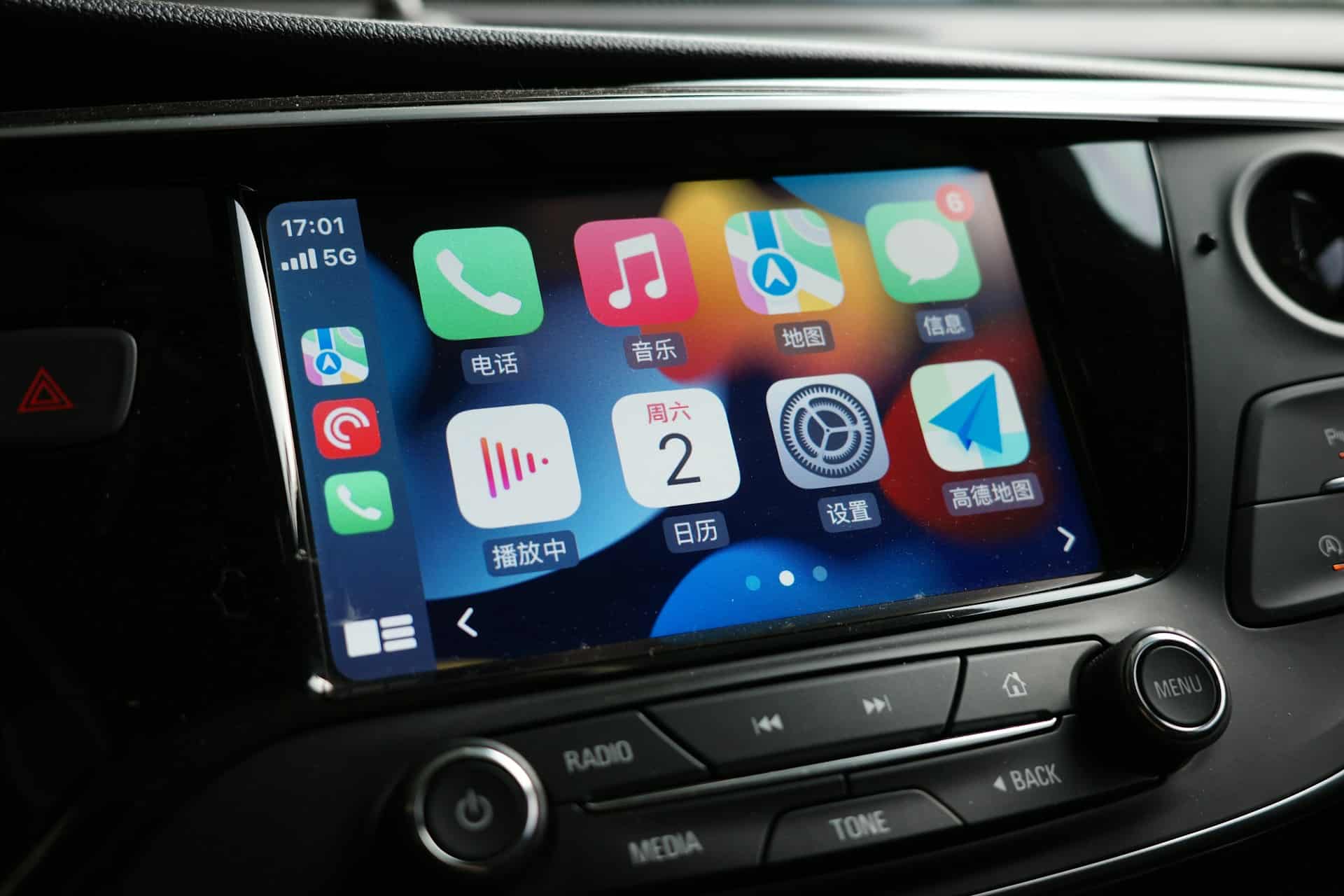
Apple CarPlay has revolutionized the way drivers connect and interact with their vehicles, delivering a seamless integration of iPhone features and functionality into car infotainment systems. While many users tap into basic functions like navigation and music control, CarPlay is packed with advanced tools and customization options that can enhance your driving experience significantly. Understanding and utilizing these capabilities can transform your journeys into safer, more efficient, and enjoyable experiences.
Streamlining Navigation and Audio Controls
CarPlay’s navigation tools are expertly designed to minimize distractions, allowing drivers to stay focused on the road. Here are some key features that enhance your navigation experience:
– Independent Volume Control: Adjust the navigation voice volume independently from your music. This ensures you receive clear driving instructions without interrupting your tunes.
– Hands-Free Control: Utilize Siri or your vehicle’s voice assistant with a single button press on the steering wheel. This feature lets you manage navigation, calls, and more while keeping your hands on the wheel and your eyes on the road.
– Interactive Maps: Some vehicles allow pinch-to-zoom gestures on maps, helping you explore routes, check traffic conditions, and find alternatives quickly and easily.
These navigation tools enhance convenience while also promoting safety, keeping distractions at bay.
Real-Time Updates with Live Activities and Widgets
CarPlay provides users with live activities and customizable widgets, enabling instant access to pertinent information. Here’s how to maximize these features:
– Live Updates: Monitor real-time data, such as flight statuses, sports results, or food delivery updates, right from your dashboard.
– Interactive Gestures: Engage with live activities quickly by using swipe or long-hold gestures. This feature allows for immediate adjustments without compromising your attention on the road.
– Customizable Widgets: Tailor widgets to display information that’s important to you, such as weather updates, calendar events, or even personal photos.
These functionalities ensure you remain connected and informed while driving.
Enhanced Media and Playback Options
Customized media controls are crucial for making every journey enjoyable. CarPlay offers a host of features to personalize your listening experience:
– Disable Autoplay: Modify your settings in the Shortcuts app to disable automatic playback when your iPhone connects to CarPlay. This prevents any unexpected interruptions.
– Quick Access to Favorites: Pin your favorite music playlists or albums in Apple Music, making it easy to choose tunes while driving.
– Collaborative Listening: Use SharePlay to allow passengers to add their own selections to the music queue, enhancing the shared listening experience.
These options empower you to enjoy your favorite media while keeping your focus on the road.
Customizing Your CarPlay Interface
Personalization plays a significant role in the CarPlay experience. Here are effective ways to tailor the interface:
– Rearrange Apps: Adjust app icons and widgets through your iPhone’s settings to ensure easy access to your most-used features.
– Visual Customization: Choose unique wallpapers or alter vehicle icons in navigation apps to reflect your personal style.
– Optimized Visibility: Enable dark mode or smart zoom for improved screen readability in various lighting conditions.
An organized and eye-catching interface not only enhances usability but also contributes to a more enjoyable driving journey.
Privacy and Notification Management
CarPlay incorporates strong privacy features, allowing you to stay focused while safeguarding sensitive information:
– Manage Notifications: Restrict message notifications from appearing on the CarPlay screen to minimize distractions during your drive.
– Private Calls: Direct phone audio through your AirPods, ensuring confidential conversations remain private.
These options facilitate a more secure driving environment, putting you in control of your personal information.
Accessibility and Safety Features
The inclusion of accessibility features makes CarPlay practical for all users:
– Sound Recognition: Enable alerts for critical sounds, such as sirens or car horns, ensuring you remain aware of your surroundings.
– Voice Assistance: Utilize Siri for real-time information on weather, sports, or navigation, helping you keep your eyes on the road.
These features make CarPlay an inclusive and useful tool that caters to the diverse needs of its users.
Additional Features to Explore
Beyond its primary functionalities, CarPlay includes several subtle yet impactful features that can enhance your driving experience:
– Disable Screenshots: Adjust settings to prevent unwanted screenshots from accumulating in your photo library.
– Fine-Tune Playback: Customize automix and autoplay in Apple Music to create a listening experience that resonates with your personal preferences.
These enhancements contribute to a more streamlined and enjoyable interaction with CarPlay.
Maximizing Your CarPlay Experience
Apple CarPlay is more than just a basic infotainment system; it serves as a comprehensive tool to enhance various aspects of your driving experience. By exploring its advanced navigation tools, real-time updates, customizable settings, and privacy options, you can unlock the full potential of CarPlay. Invest the time to personalize and experiment with these features to discover how CarPlay can make every journey safer, more efficient, and enjoyable.











