








Phones
Make Your Samsung Galaxy S25 FE Truly Yours With These Personalisation Tips

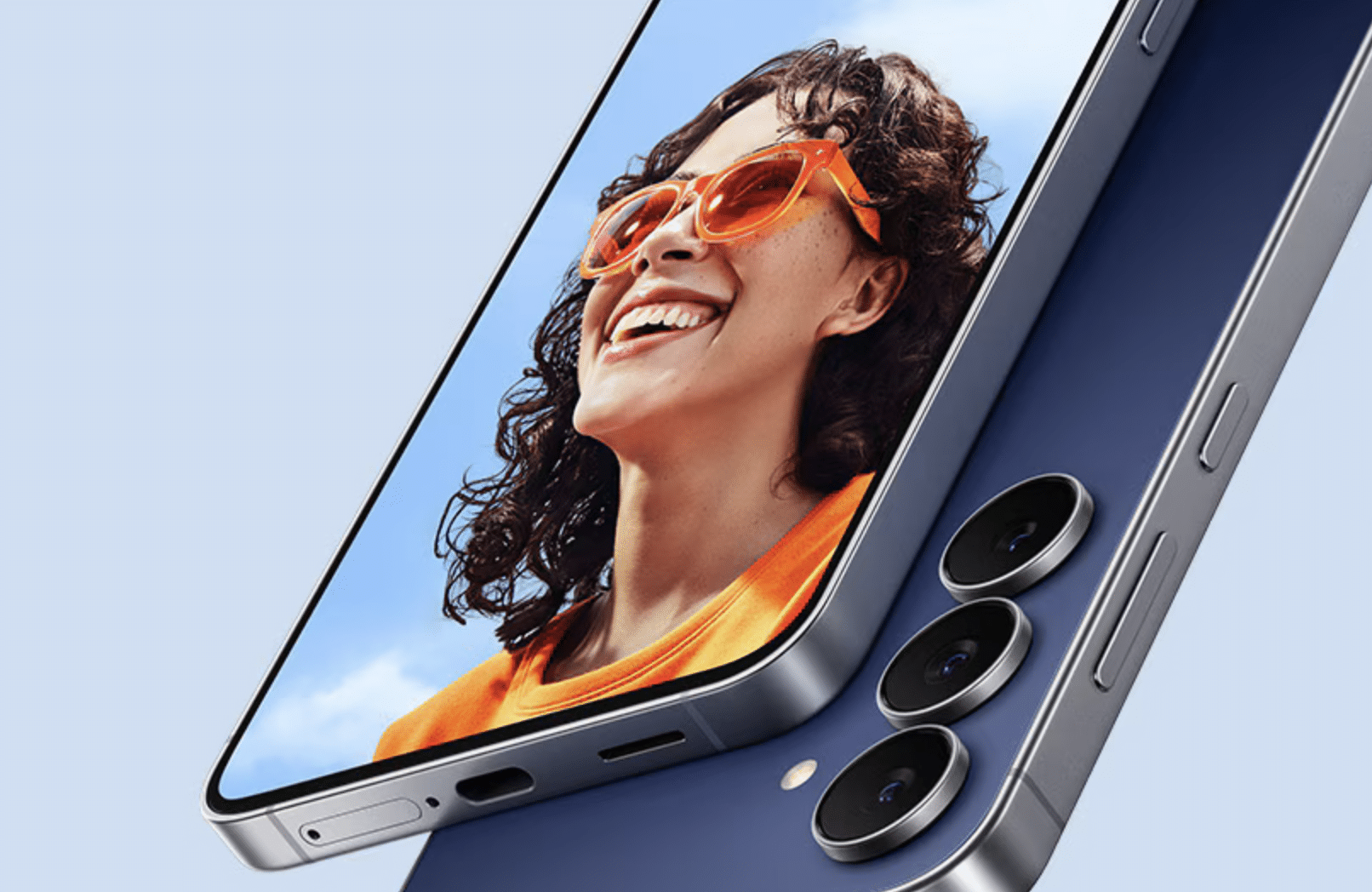
The Samsung Galaxy S25 FE stands out as a smartphone designed to meet the expectations of both newcomers and seasoned Samsung users. With its rich features and adaptable options, it promises an enjoyable and efficient experience. This guide aims to help you unlock the full potential of your Galaxy S25 FE through essential customization, security enhancements, and useful productivity tools.
Initial Setup and Keeping Software Current
The first step in your Galaxy S25 FE journey is ensuring that your device is fully updated. Regular updates not only improve performance but also reinforce security against potential vulnerabilities.
1. Install System Updates: Begin by installing the latest operating system updates. This action helps to ensure your device operates smoothly and is equipped with the latest security enhancements.
2. Update Pre-installed Apps: Access the Galaxy Store and Google Play Store to update your pre-installed applications, enabling you to utilize the latest features and improvements.
After updates, navigate to the settings menu and consider activating gesture-based navigation. This feature simplifies the user interface by maximizing screen real estate, providing a more immersive experience.
Personalizing Your Device to Reflect Your Style
Customization is key to making your Galaxy S25 FE uniquely yours. Here are several ways to personalize the device:
– Choose Your Wallpaper: Select a wallpaper that resonates with your personality. You can opt for generative AI designs or dynamic wallpapers that shift based on environmental changes.
– Customize the Lock Screen: Enhance your lock screen by incorporating widgets and shortcuts like the camera or flashlight, along with dynamic clock styles for quick access to essential functions.
– Organize Your Home Screen: Adjust the grid layout of your home screen to efficiently arrange your apps and widgets, making navigation easier.
– Modify the Google Search Bar: Tailor the appearance of the Google search bar and its shortcuts to better suit your needs.
These customizations not only enhance the look of your smartphone but also improve functionality and accessibility.
Boosting Security and Privacy
In today’s digital landscape, safeguarding your data is crucial. The Galaxy S25 FE comes equipped with various security features designed to protect your personal information:
– Activate App Protection: This feature prevents unauthorized access to sensitive data and applications.
– Set Up Multiple Fingerprints: Create multiple fingerprints for quick yet secure access to your device.
– Manage Notifications: Prioritize important alerts while silencing less critical notifications. This approach enhances privacy and minimizes distractions throughout your day.
By implementing these security measures, you can ensure that your device remains secure without compromising on experience.
Leveraging AI and Productivity Tools
The Galaxy S25 FE boasts advanced AI tools aimed at enhancing productivity and creativity. Take advantage of the following features:
– AI-Powered Writing Assistants: Use AI tools to assist in drafting emails or documents, making your communication more efficient.
– Image Editing Tools: Experiment with AI-driven photo and graphic editing applications for professional-grade results.
– Widgets for Quick Access: Utilize widgets such as Google Gemini on your home screen to access vital information effortlessly.
– AI Select Tool: This feature allows you to easily extract or pin details from images, streamlining your content management efforts.
These tools transform how you accomplish daily tasks, simplifying your interactions with the device.
Automate Tasks with Modes and Routines
The Modes and Routines app is a powerful tool for automating tasks tailored to your lifestyle and workflow:
– Create Custom Routines: Set actions like Do Not Disturb during work hours or change settings based on your location.
– Quick Access Widgets: Add routines as widgets on your home screen for easy activation.
Using automation, your Galaxy S25 FE can adapt to your routines, making everyday interactions seamless.
Exploring Advanced Features
Finally, make the most of the advanced capabilities offered by the Galaxy S25 FE:
– Secure Wi-Fi (VPN): Ensure safe browsing through the quick settings panel.
– Dolby Atmos: Activate this feature for a rich audio experience, whether for music or video consumption.
– Extra Dim Mode: Adjust your screen brightness for comfortable nighttime use.
– Edge Panel: Access apps and tools effortlessly using the edge panel, enhancing your multitasking capabilities.
Blending these advanced features into your daily use allows you to maximize the functionality of your device.
Additional Tips for a Unique Experience
To enrich your Galaxy S25 FE experience further, consider these additional strategies:
– Notification Lighting Effects: Assign custom colors to notifications from specific contacts for quick identification.
– Keyboard Preferences: Experiment with both Samsung and Google keyboard options to find what best suits your typing habits.
– Google Clock Widget: Adding this widget can provide a visually pleasing and practical component to your home layout.
Embracing these tips can help ensure that your Galaxy S25 FE evolves into a device that feels wholly yours.
In conclusion, the Samsung Galaxy S25 FE is designed to adapt to your individual preferences, enhancing both utility and personal expression. Through updates, customization, security enhancements, and AI features, you can create an engaging smartphone experience tailored uniquely to your needs.









