








Phones
Easily Share Your Wi-Fi With Friends Using QR Codes On Your Smartphone

Sharing your Wi-Fi network has become a breeze, especially if you’re using an iPhone or iPad. Gone are the days of fumbling around trying to remember and type out long, complicated passwords that are all too easy to get wrong, especially when you’re trying to help someone connect. Now, with just a few taps, you can generate a simple QR code that lets your friends, family, or colleagues connect to your network in mere seconds. This feature doesn’t just save you time, it adds a layer of security and makes the whole process feel more streamlined and professional.
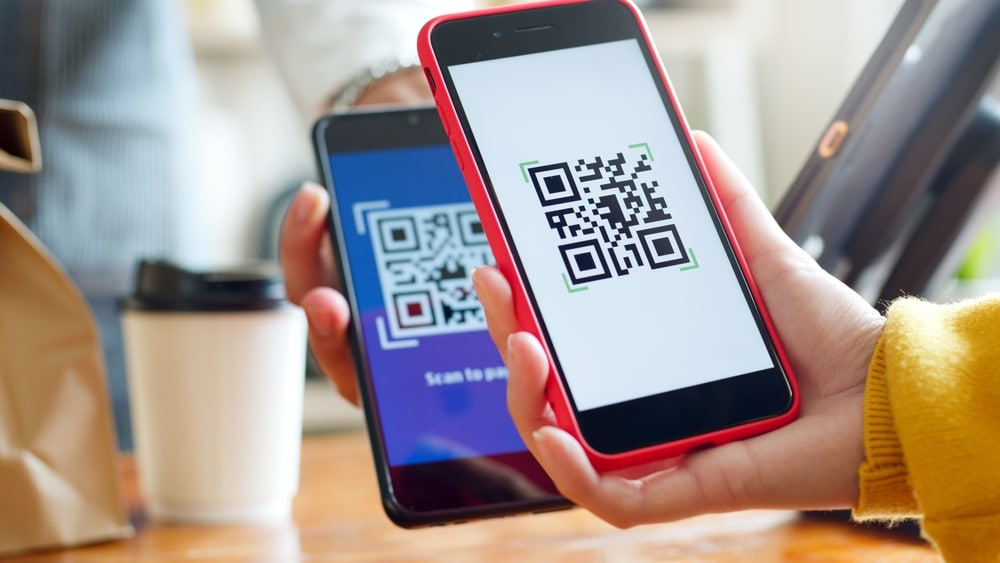
Picture this: you’re hosting a dinner party, and your guests ask for the Wi-Fi password. Instead of stammering through a series of letters, numbers, and symbols, you simply pull up the QR code on your phone, and they’re connected immediately. It’s as simple as that. This method is gaining traction not just at home but also in workplaces and customer-centric environments like cafes, hotels, and offices, making it versatile for multiple scenarios.
Why Opt for QR Codes When Sharing Wi-Fi?
You might be wondering why you should switch to QR codes for sharing Wi-Fi access. The answer is simple—convenience. Using a QR code to share your Wi-Fi offers benefits that make it a no-brainer:
- Fewer Errors: Typing in long or complex passwords can lead to mistakes. Maybe it’s an uppercase letter that was typed as a lowercase one or a number that’s accidentally mistyped. With a QR code, these worries disappear.
- Time-Saving: It’s incredibly quick for guests! Instead of waiting for someone to type in endless letters, they just scan the code and get on with their browsing.
- Professionalism: Having a modern way to share access shows you’re up to date with technology. It creates a user-friendly experience that reflects well on you, whether you’re hosting guests at home or welcoming clients into your business.
Let’s be honest; when you have a bunch of friends over or when clients come into your office, the last thing you want is for them to struggle with sharing your Wi-Fi. QR codes are not only practical but also make you feel in control of your network without compromising on convenience.
How to Generate Your Own Wi-Fi QR Code
Creating a Wi-Fi QR code on your iPhone or iPad is a simple and straightforward process thanks to Apple’s handy built-in Passwords app. Here’s how you can quickly generate a code and get back to what really matters—enjoying time with your guests!
- Open the Passwords app on your iPhone or iPad.
- Scroll through your saved credentials to find the network you wish to share.
- Select the network and choose to generate a QR code
Once your code is generated, you have flexibility in how you choose to share it. You can either display it directly from your phone for immediate scanning or print it out if you’re hosting a larger group.
Making it Easy for Your Guests to Connect
For your guests, connecting to your Wi-Fi network using a QR code couldn’t be easier. Most modern devices, whether they’re iOS or Android, come with built-in QR code scanning capabilities. Here’s a step-by-step guide for them:
- Open the camera app on their phone or tablet (some may need a dedicated QR code scanner).
- Point at the QR code you’ve provided.
- Tap the notification that appears, and voilà—they’re connected!
This moment of ease not only encourages more positivity at your gathering but also makes it a calm experience for those who might be less tech-savvy.
Keep Your QR Code Updated
One important thing to remember is that the QR code you generate remains valid only as long as your Wi-Fi password doesn’t change. If security leads you to update your network password, you’ll need to regenerate a QR code to keep everything running smoothly. Keeping your Passwords app organized will allow you to manage your Wi-Fi credentials efficiently. This means you can revoke access to previous guests or create new codes without a hassle.
The Versatility of Wi-Fi QR Codes
There are numerous everyday scenarios where Wi-Fi QR codes shine:
- At home: When hosting gatherings or family visits, guests can access the Wi-Fi without a fuss.
- In shared work spaces: It’s a game-changer for connecting colleagues or clients in coworking spaces.
- In customer-facing businesses: Think about busy cafes or stores where customers might want to log on as they wait. Offering easy Wi-Fi access can enhance their experience and encourage them to come back.
Using QR codes simplifies sharing Wi-Fi, respects security protocols, and promotes a seamless and modern user experience.
If you’d like to maximize the advantages of QR code Wi-Fi sharing, we invite you to explore more of our articles on this exciting technology.
In conclusion, embracing QR codes not only is a practical solution but also a step toward making technology work for you. Imagine the ease, peace of mind, and modern touch it brings to your everyday activities—whether you’re entertaining guests or running a business. It’s about staying connected in a way that works best for everyone involved.









