
Phones
Discover What’s New in macOS 15.3 Sequoia Beta: Must-Have Features That Will Transform Your Apple Experience

Fans of Apple products and tech enthusiasts are diving into the new macOS 15.3 Sequoia Beta 1, which introduces a host of new features and improvements that promise to enhance how you experience your Mac. Picture this: a sneak peek into the future of Apple’s operating system, where customization, artificial intelligence (AI), and application capabilities take center stage. As it stands, this beta version isn’t just a few flashy new options tossed into the mix; it’s a genuine effort to elevate your everyday user experience, and there’s a lot to unpack.
Let’s dive into some of the standout features that are making waves among users. If you’re intrigued about the latest and greatest in tech, you’ll definitely want to pay attention.
One of the most exciting features is **Gen Emoji**, which empowers you to design and personalize your own emojis directly within the macOS. Imagine creating emojis that truly reflect **you**—your feelings, your quirks, and your personality. With this tool, Apple is taking communication to a new level, allowing you to express yourself beyond the generic emojis we’ve all grown accustomed to. While users have reported a few minor bugs—typical when trying out beta versions—the overall potential here is massive. Everyone loves a bit of personal flair, don’t they? Gen Emoji signifies a radical shift in how we convey emotions across digital platforms.
Then there’s the boost in **AI capabilities** with the brand-new Apple Intelligence. If you’re based in Australia, Canada, or the UK, you can already start integrating smart AI tools like Siri and ChatGPT into your daily grind. Just think: you could generate detailed answers to your queries or whip up emails and reports in a matter of moments. It’s not just about getting things done—it’s about elevating your productivity with intelligent assistance. Plus, with improvements in AI-driven photo editing, you can make your images pop with just a few clicks. As we look to the future, particularly with the anticipated full launch in macOS 15.4 in April 2025, it’s clear that Apple’s vision of a smarter operating system is becoming a reality.
For those who love visual storytelling or dabble in creative pursuits, the updated **Image Playground** is a game-changer. Imagine having a powerful suite of tools right at your fingertips that allows you to merge images through simple text prompts. Whether you want to animate a scene or create an illustrated masterpiece, those options are now part of your digital canvas. The enhancements really cater to both casual users and professionals alike, making this tool a vital part of your creative workflow.
Moving on to browsing, the introduction of **Safari 18.3** means faster and more stable surfing. Early reports from testers show a noticeable improvement in performance, translating to less time waiting for pages to load—because let’s be honest, who enjoys that? Whether you’re working on a project or binge-watching your favorite series, these updates are designed to make your online experiences seamless and enjoyable.
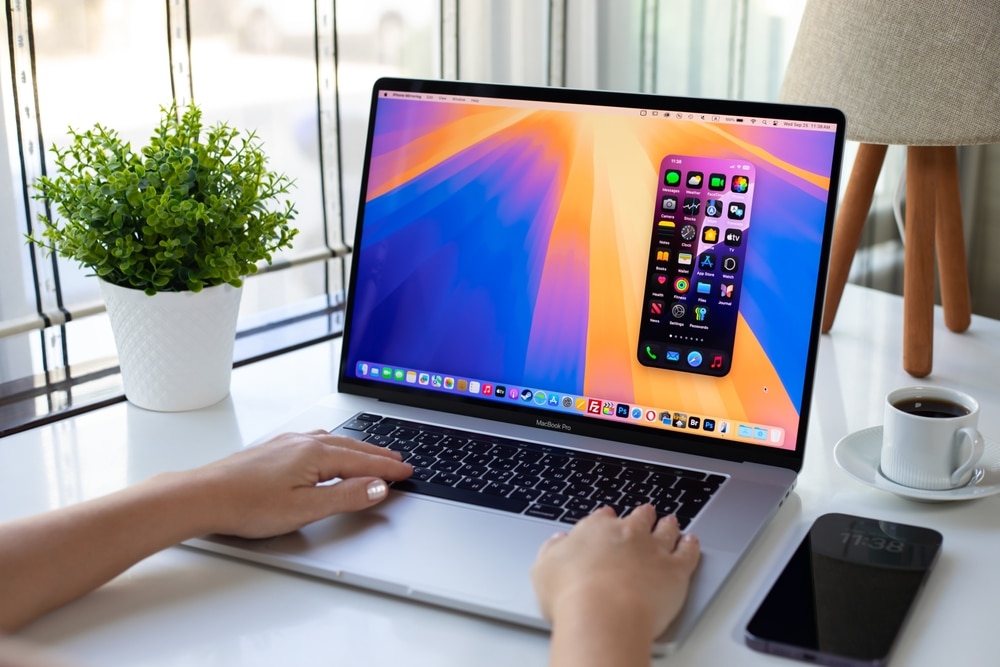
But it’s not just about speed; Apple is also refining the **user interface** and enhancing **Dark Mode**. You’ll notice a more cohesive visual experience, with new icons that make navigation feel smoother and more intuitive. Plus, the larger default window size for iPhone mirroring means you can interact with mirrored content on your Mac with ease. While these changes might seem minor, they pave the way for a more polished and user-friendly interface overall, so you spend less time fumbling and more time enjoying.
Apple is also channeling AI across its core applications like iWork—Pages, Keynote, and Numbers. If you’ve ever found formatting a daunting task, you’ll appreciate how these apps now automate repetitive actions, saving you precious time. Even iMovie has received a facelift through AI enhancements, enabling you to create professional-quality videos without excessive manual labor. Apple’s continued focus on making everyday tasks easier through technology is evident and extremely welcome.
Lastly, everyone wants their device to last longer on a single charge and operate more efficiently, right? macOS 15.3 does just that by targeting battery performance and optimizing storage. Though it’s early to determine just how much progress has been made, users who rely on their Macs for long work sessions will be keenly monitoring this area. And while the enhancements in storage may be modest—reducing space used by system files—they reflect Apple’s ongoing commitment to maximizing performance.
With all these features, macOS 15.3 Sequoia Beta 1 truly exemplifies Apple’s dedication to personalization and intelligent integration. Sure, some functionalities are still in development or may be limited based on your region, but this beta is setting the groundwork for what lies ahead. Whether it’s the thrill of crafting emojis that express who you are, utilizing advanced AI tools, or enjoying upgraded image-editing features, there’s so much promise in this latest iteration of Apple’s operating system.
As Apple continues to refine these features leading into the full release, the excitement builds for all of us who are anticipating a smarter, more intuitive, and deeply personalized experience. Embrace the emerging future of computing with Apple—you won’t want to miss out on what’s coming next!











